- Can you make your own "aesthetic" video clip right now?
- Where can I find aesthetic video clips to edit together?
- How can I make my home videos look aesthetic?
- Questions from Quora
Nowadays, aesthetic videos are popular content on different social media platforms like Instagram and TikTok. Most platforms themselves built-in editors allow you to edit an aesthetic video, but here we'll share the best online tools and mobile apps to help you easily make an aesthetic video that stands out.
With the right aesthetic video editor and pay attention to a few key details to make aesthetic edits for your video, everyone can make aesthetic videos for Instagram, Tumblr, or TikTok with great ease.
Content:
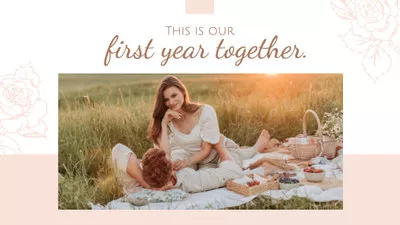
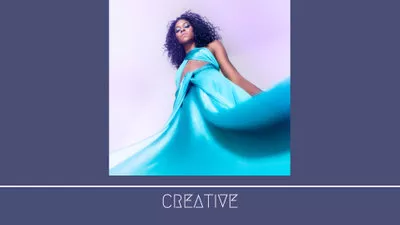
Free Customizable Aesthetic Video Templates


Also Read: Make a Cinematic Video in 10 Easy Steps With Any Camera >
Part 1 Best Aesthetic Video Editors Online without Watermark
There's a ton of different video editors that let you make aesthetic edits for your video. But most of you guys may be so busy these days that rarely have the time to look through the various video editing tools available to the best aesthetic apps. We are here to save you time by sharing the top list of best aesthetic video editors.
Online Aesthetic Video Editor - FlexClip
Looking for a powerful online video editing tool to make aesthetic videos without watermark? Here is FlexClip. It packs with different filters, features, and editing tools to enhance the overall quality of your video project and make it aesthetically pleasing. Besides, it also offers aesthetic background, clips, photos, overlay, fonts, and more for free edit. What's more, the FlexClip video editor is straightforward to use. It has been designed so that anyone can use it without having thorough knowledge or experience in video editing. We believe FlexClip can give you the aesthetic you need for your videos.


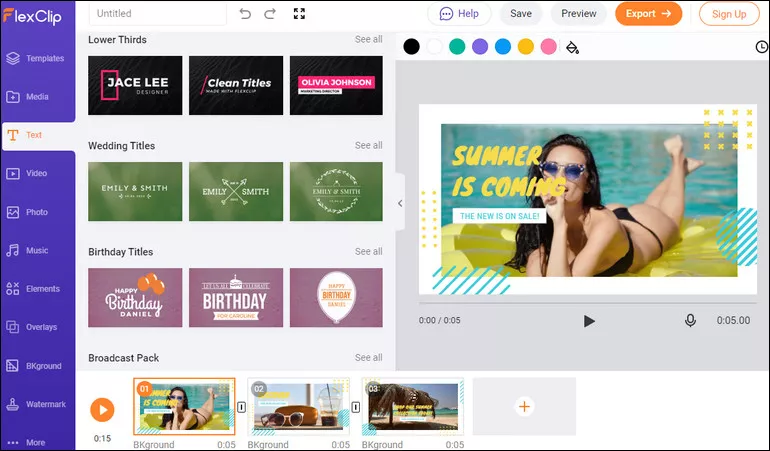
Image Board: Online Aesthetic Video Maker No Watermark - FlexClip
What We Like:
Online Aesthetic Video Editor - Kapwing
Kapwing is another great online aesthetic video editor that you can use to make your video aesthetic without watermark. It comes with useful video editing functions that allow you to add subtitles, text, audio, elements, and more to make aesthetic edits to your video. What’s more, Kapwing runs completely in your browser, which means your work is automatically saved to the cloud. Work on your aesthetic video from any device. To create aesthetic videos with no watermark, just sign in to your Kapwing account!
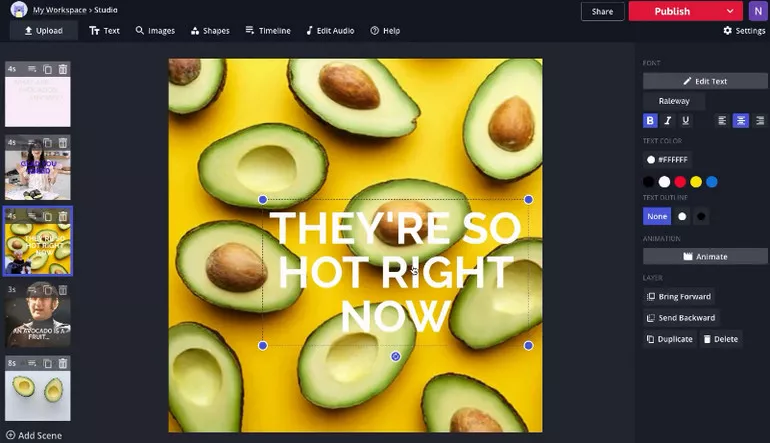
Image Board: Online Aesthetic Video Maker No Watermark - Kapwing
Part 2 Best Aesthetic Video Editing Apps No Watermark
Aesthetic Video Editing App - InShot
InShot is the simplest and easiest video editing app helping you make an aesthetic video without watermark easily and quickly. If you're a beginner, Inshot can make your editing journey so much easier. It is a powerful all-in-one aesthetic video editing app with professional features. With InShot, you can easily add aesthetic overlays, music, text, and emoji, make stunning aesthetic videos with cool effects and transitions. If you're looking for an aesthetic editing app with all of the features together, then InShot is the app for you.
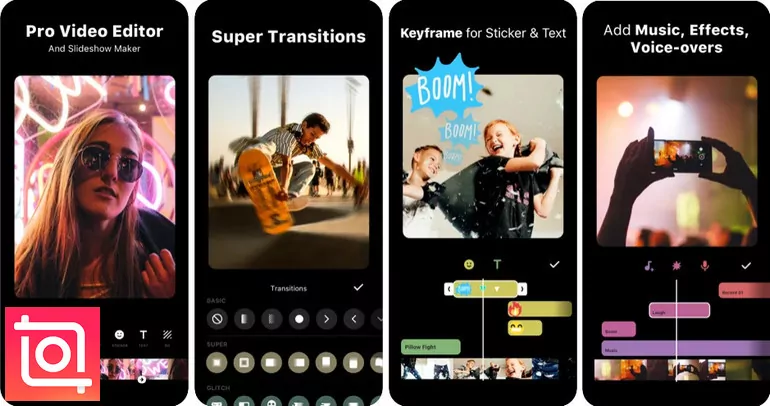
Image Board: Aesthetic Video Editing App No Watermark - InShot
Aesthetic Video Editing App -VLLO
Aesthetic video editing is made easy with VLLO! If you want to make a daily vlog or an aesthetic video for Instagram or TikTok, VLLO is just perfect as it's easy to use and leaving no watermarks without payment. It is a super easy aesthetic video editor for you! For beginners and casual users will enjoy editing video with its intuitive but precise control split, text, BGM, transition, and aesthetic overlays; for the pro editors, premium paid features are also ready with Chroma-key, PIP, mosaic, and keyframe animations.
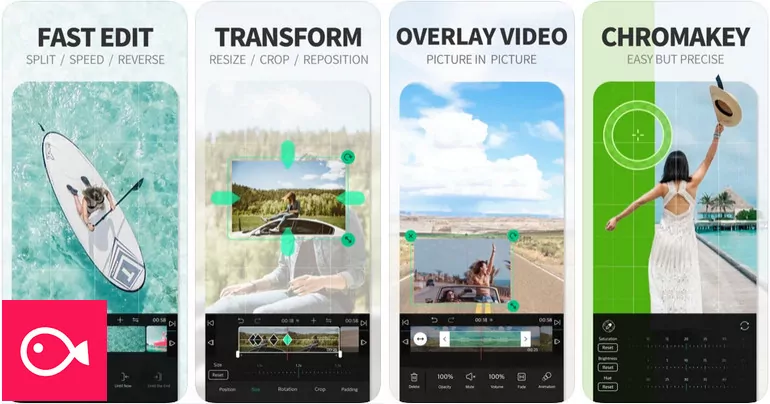
Image Board: Aesthetic Video Editing App No Watermark - VLLO
Aesthetic Video Editing App - Capcut
Another great app for editing aesthetic videos without watermark is Capcut. CapCut is a free all-in-one aesthetic video editing app that helps you create & edit incredible videos. With its easy-to-use editing features, advanced filters, and special effects, editing an aesthetic video is easier than ever. Besides, it also offers a vast music library and exclusive copyright songs and aesthetic overlays for edits to help you level up your aesthetic video. What's more, Capcaut allows you to edit your aesthetic video without the watermark.
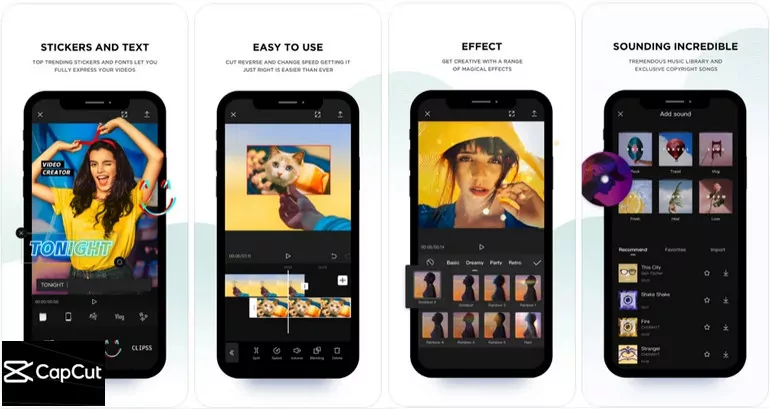
Image Board: Aesthetic Video Editing App No Watermark - Capcut
Part 3 How to Make Aesthetic Edits for Your Video
Let's see how you can make an aesthetic video without watermark using FlexClip video editor.
The first way you can make your video look more aesthetic is to filter it, making the color in the video more vibrant and lively.
FlexClip has lots of free filter effects to choose from; all of them are beautiful and in various visual effects. Just give those aesthetic video filters a try, select the one you like, and apply it to your video.
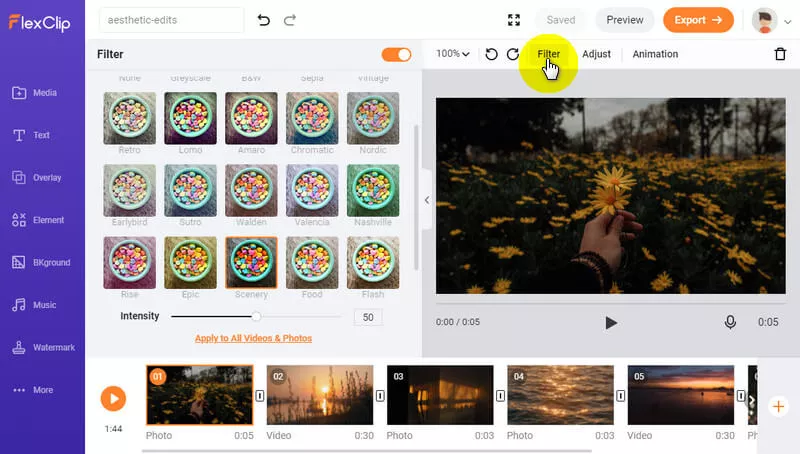
Image Board: How to Make Aesthetic Edits - Add Filter
An aesthetic video definitely requires the proper color grading. You need to make different adjustments such as contrast, brightness, temperature, and more to edit color settings on your footage and maintain a consistent aesthetic in the video.
FlexClip makes it super easy to color grade your footage in a few clicks, by making these adjustments to your video, you can easily make your video footage far more aesthetic.
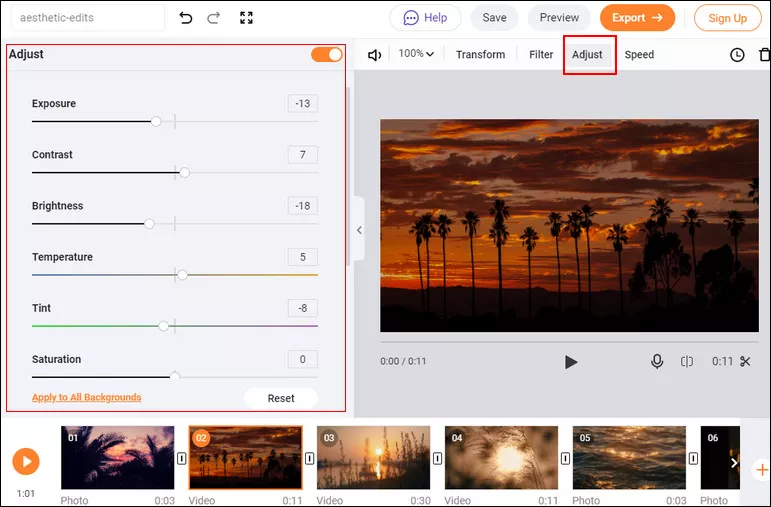
Image Board: How to Make Aesthetic Edits - Color Grading
Words tell people the most information! A video with text can make your ideas and information get across easily. Besides that, some beautiful text effects can also make your video a bit more aesthetic.
FlexClip allows you to add simple text and dynamic text. Simply upload your video clips to the FlexClip Video Text Editor first, then pick one text effect you like and customize it with aesthetic font, color, style, outline.
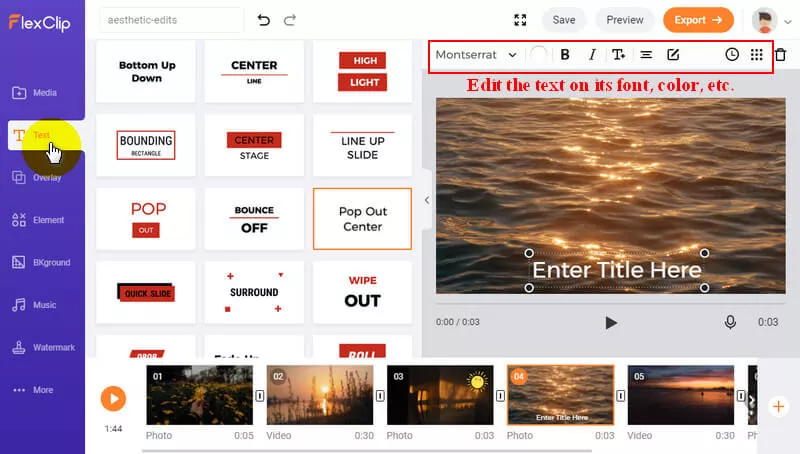
Image Board: How to Make Aesthetic Edits - Add Text
Another way to make a video looks aesthetic is to bring your video footage to life with animations.
Animation may sound like something difficult, while FlexClip video editor makes it incredibly easy. It allows you to animate your still photos with a few clicks, or you can bring your images or clips to life by adding animated elements.
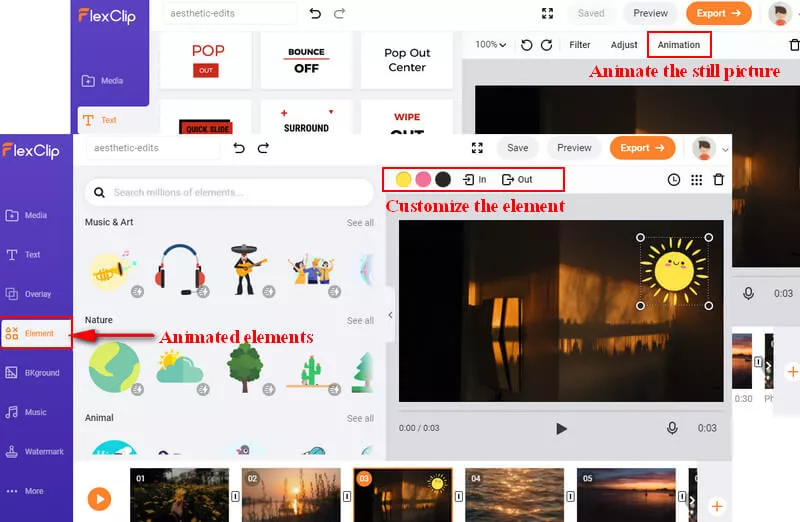
Image Board: How to Make Aesthetic Edits - Add Animation
Give the finishing touch to your video with the stunning transition effect. A cool transition effect definitely is a good way to make your video looks more aesthetic and let it flow better.
FlexClip, the pretty easy-to-use and free online transitions video editor, comes with stunning transition effects is ready to help.
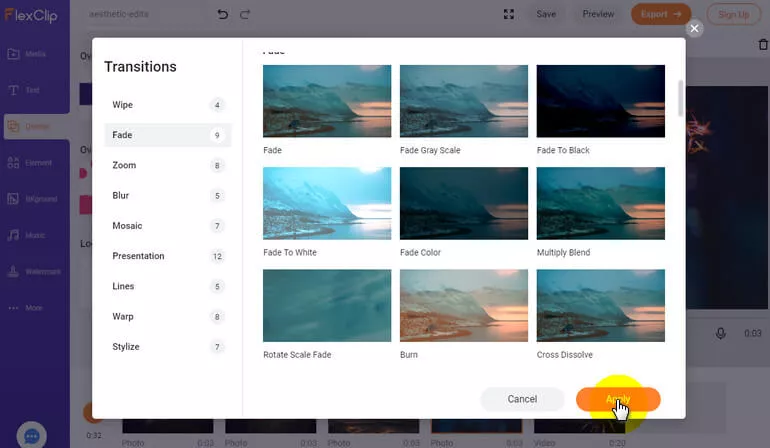
Image Board: How to Make Aesthetic Edits - Add Transition
More aesthetic editing features and resources are waiting for you to explore! Turn to FlexClip and start making your aesthetic video for Instagram or TikTok right now!
Final Words
That's all for the best aesthetic video editors & makers and how to make aesthetic videos. Hopefully, with the aesthetic video editor we recommend above, everyone can make aesthetic edits for their favorite videos and get a stunning result.




FlexClip AI Video Maker
Reach professional-quality videos faster with easy editing tools, templates, and smart AI.
Start Now for Free
Hot & Trending
-

Ultimate Tik Tok Guide – How to Tik Tok & How to Make a Tik Tok Video that Gets Likes
-

The Best Birthday Video Maker for You to Create Birthday Videos Online for Free
-

Large Collection of Creative and Funny Birthday Video Ideas for Ones You Care
-

Instagram Story Video Quality Bad After Upload? Fix It!
-

How To Remove/Reduce Background Noise? - 3 Best Free Audio Optimizers
-

Best Video Quality Enhancer: Improve Your Video Quality Easily
-

TikTok Filters Guide: How to Use Filter Effects on TikTok
-

How to Add Multiple Photos to One Instagram Story