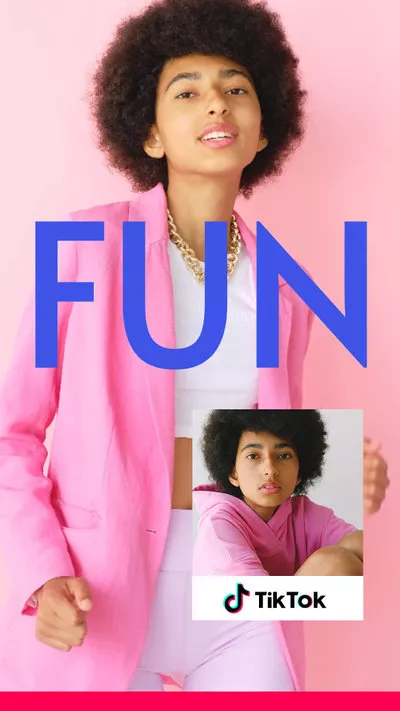
Nowadays, most social media platforms, including Instagram, Pinterest, Facebook, and TikTok, are filled with content that is in portrait or vertical video format. If you're a landscape video creator who wants to post your YouTube to other platforms, like Instagram, you'd better convert horizontal video into a vertical one.
Can't Miss: iMovie Vertical Video with Black Bars? How to Fix? >
How to Convert Landscape Video to Portrait Online - 3 Easy Ways
There are several ways to convert a landscape video into a portrait one using the right video editing tools with a portrait aspect ratio. Check out the best three online landscape to portrait video converters below to make a horizontal video vertical.
#1 Convert Landscape Video to Portrait Online with FlexClip
FlexClip is a great tool for beginners and pros alike to turn a landscape video into a portrait one in clicks. It is a powerful and easy-to-use online tool for converting landscape video into portrait and also allowing you to make more edits to level up your video, such as adding text & music, applying filter and transition effects, changing video speed, etc.
Also, FlexClip offers beautiful pre-made video templates inspiring you to make a stunning video with great ease.


Click the Get Started Now button below and follow the simple steps to convert a landscape video into a portrait one:


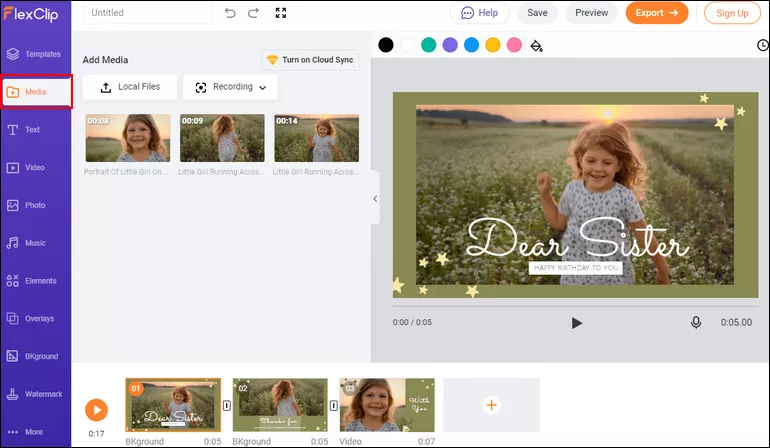
Convert Landscape to Portrait with FlexClip - Upload
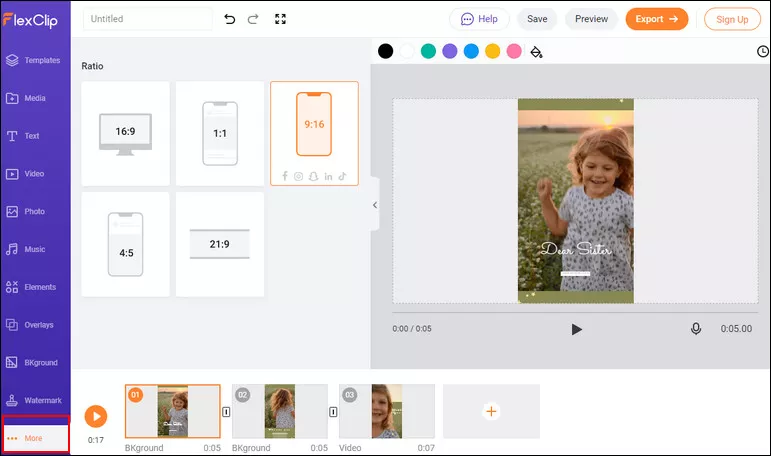
Convert Landscape to Portrait with FlexClip - Convert
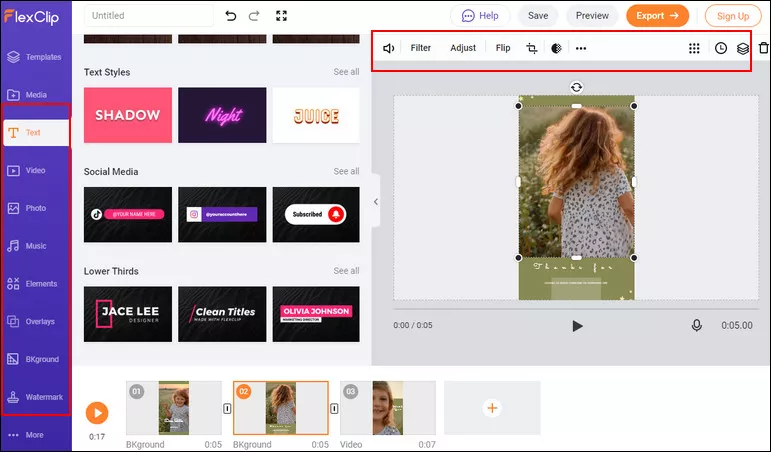
Convert Landscape to Portrait with FlexClip - Edits
#2 Convert Landscape Video to Portrait Online with Kapwing
Kapwing is another great online video editor that can work as a landscape video into portrait converter to help you easily make a horizontal video vertical. Follow the simple tutorial given below to use this convenient tool.
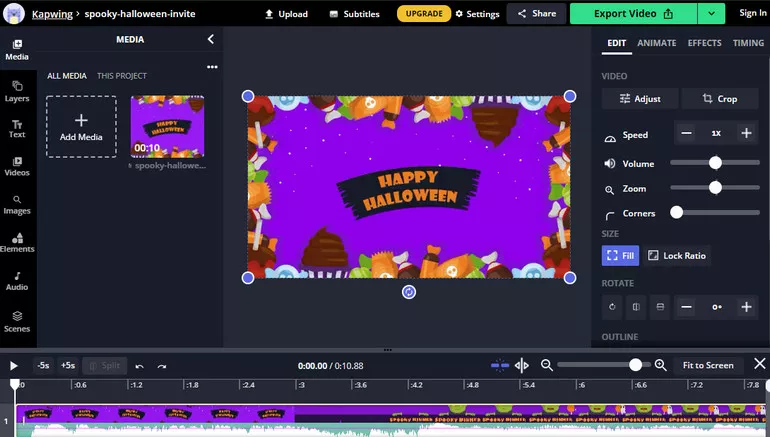
Convert Landscape to Portrait with Kapwing - Upload
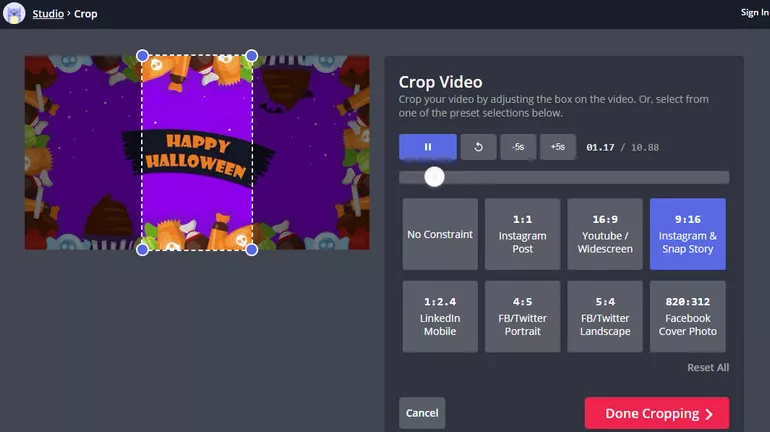
Convert Landscape to Portrait with Kapwing - Convert
#3 Convert Landscape Video to Portrait Online with Typito
Typito also offers a simple online landscape to portrait video converter to help you change the orientation of your videos from landscape to portrait easily. You can choose aspect ratios like 1:1 square letterbox, 9:16 vertical & more to create personalized videos for all your social media feeds like - Instagram, Facebook, and even LinkedIn.
Learn how to convert a landscape video to portrait online with Typito in 3 easy steps:
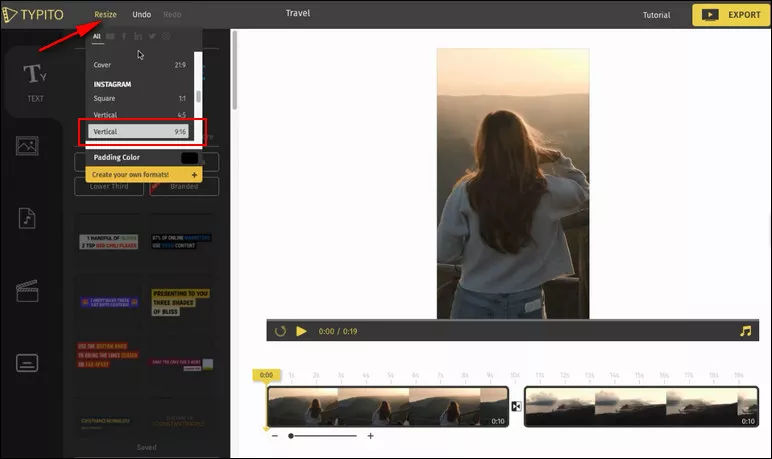
Convert Landscape to Portrait with Typito - Convert
Final Words
With the easy-to-use online landscape to portrait video converters we introduced above, you can easily make a landscape video to a portrait one without learning video editing skills or downloading and installing an application. Just pick your desired video converter to turn your landscape video to portrait for IGTV and more social media platforms.




FlexClip AI Video Maker
Reach professional-quality videos faster with easy editing tools, templates, and smart AI.
Start Now for Free
Hot & Trending
-

Ultimate Tik Tok Guide – How to Tik Tok & How to Make a Tik Tok Video that Gets Likes
-

The Best Birthday Video Maker for You to Create Birthday Videos Online for Free
-

Large Collection of Creative and Funny Birthday Video Ideas for Ones You Care
-

Instagram Story Video Quality Bad After Upload? Fix It!
-

How To Remove/Reduce Background Noise? - 3 Best Free Audio Optimizers
-

Best Video Quality Enhancer: Improve Your Video Quality Easily
-

TikTok Filters Guide: How to Use Filter Effects on TikTok
-

How to Add Multiple Photos to One Instagram Story