As a sports fan, you might need to create a sports highlight video for future appreciation. As a high school athlete, you probably need a highlight video leading you to college scholarship. Under either circumstance, creating a sports highlight video is not easy.
Here in this post, we will show you the best sports highlight video maker and how to make an excellent sports highlight video via the free sports video maker. Keep reading and get everything you want to know.
Also Read: How to Make a Football Video for All Social Media Platforms >
Sports Highlight Examples


How to Make a Sports Highlight Video
It's always the first step that costs troublesome. A good selection of video clips and elegant and simple text are vital.
What to Include on a Sports Highlight Video?
Generally speaking, a sports highlight video should contain your basic information, like your name, height, weight, position, and more details about the match. If necessary, after-match thoughts can also be included. Please make all textual information as simple as possible.
What Video Clips to Add?
We believe that you must have lots of sports videos at hand, but which clip to use? You can choose whichever video clips when making a sports video just for future appreciation. Things can be tricky if you are making a sports highlight video for college coaches.
Wonderful shooting clips are great, but college coaches are looking for something else on your highlight video.
- * Did you make a good shoot that most players don't or did you take advantage of others' mistake?
- * Did you have good form and maintain it from play to play?
- * Were you still playing as hard as usual when your team was losing?
- * Did you learn and improve?
- * Were you always the one to grasp any opportunity to success?
If mapping out a video content is like drawing some lines on paper, then using FlexClip is like coloring between these lines to make it a real painting.
FlexClip, a free online-based sports highlight video maker, integrates with all powerful editing features, like trimming, adding text, music, changing video speed. Any edits to make a sports highlight video can be done in a few clicks. Special effects like animation, transitions, dynamic texts level up your sports highlight video. Diverse export options like aspect ratio, video definition cater to everyone's needs. Free media library contains millions of photos, videos, music items, waiting to for you to explore and use.
Main Features:
Now, click the Create a Video button to start making a sports highlight video. If you have no idea on how to get started, View Templates to get more ideas.


* Add all your video clips and photos to the Media section and apply them to the storyboard.

Image Board: How to Make a Sports Highlight Video - Step 1
* On the sidebar, click the text icon to insert textual information. Its extensive intro templates allow you to add a sports intro to your video project.

Image Board: How to Make a Sports Highlight Video - Step 2
* Add some music to tense the atmosphere.

Image Board: How to Make a Sports Highlight Video - Step 3
* Make other edits to make the video better, like doing voice-over, slowing down video, and more.

Image Board: How to Make a Sports Highlight Video - Step 4
* Preview the video. Continue editing or save the video to your computer.
When done, you can email the video to whoever you like. Uploading to social media platforms to YouTube, Facebook can be another option. In order to maximum views, try the following procedures.
1. Include keywords on your Title, like the sports name, words like “highlight” so that other people can find your video.
2. Keep the description short but be descriptive. Keywords should also be included.
3. Set your Privacy Settings to Public.
4. Identify your video as Sports.
5. Use big tags. Figure out tags that other popular videos usually use.
Other Sports Highlight Video Editors to Try
1. LightMV
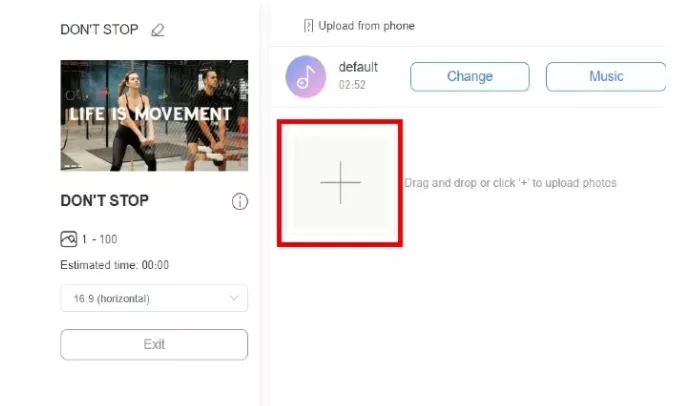
LightMV is an online and desktop sports highlight video maker to help you create compelling video content with ease. Piece together your footage with photos, music, videos, and beautiful transitions from one scene to the next, a highlight video is done. The problem is that LightMV only provides you very basic functions like adding text, adding music. There are no advanced tools.
Sports Highlight Video Maker - LightMV
2. ACA
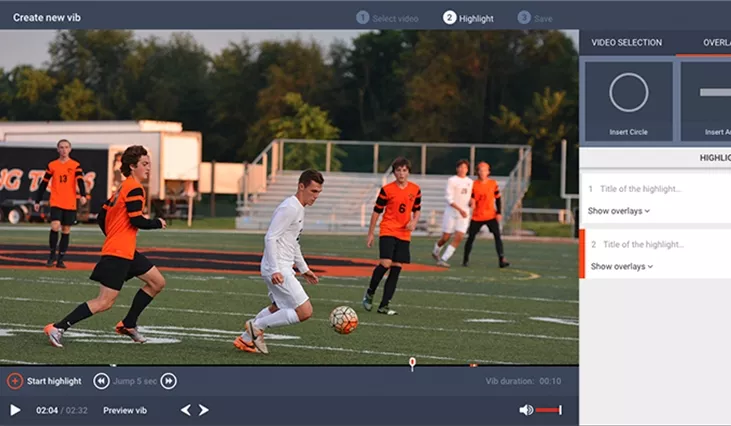
ACA is an innovative highlight video editor to assist in your college recruiting journey. Simply upload any video, then cut and combine, a highlight video is done. You can even add isolation effects for a professional quality highlight video that college coaches will love.
Sports Highlight Video Maker - ACA
3. Hudl.com
Hudl.com has everything you need to tackle one of the most uncertain sports seasons in history. Most hudl.com users take advantage of its powerful and flexible tools for analysis and improve performance. This website also provides a set of products including online tools, mobile and desktop apps, smart cameras, analytics and more.
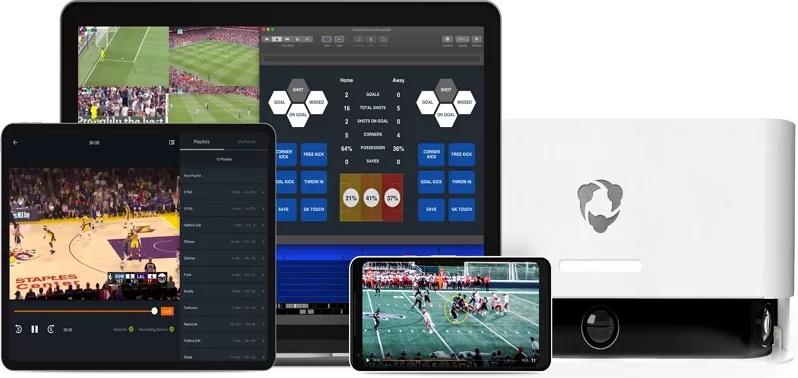
Sports Highlight Video Maker - Hudl.com
4. SportsRecruits
Through your SportsRecruits membership, you will have access to the in-platform highlight reel editor tool. After adding your description and video clips, you can publish the video to the community and others can rate, comment your video. It doesn't have many editing features, but lots of people watch sports videos here and this platform might increase your opportunity to be hired to camps and tournaments.
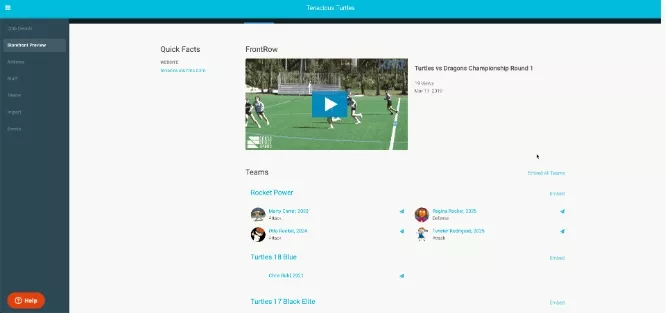
Sports Highlight Video Maker - SportsRecruitsm
5. iMovie
iMovie is a software available on all iOS and Mac tools. It is used to create all sorts of video editing tools. As is wide-known by all people, iMovie has the advanced video editing tools. The problem is that most green hands can't use it without any instructions. Another problem is that it doesn't have particular highlight effects. You may use other effects.
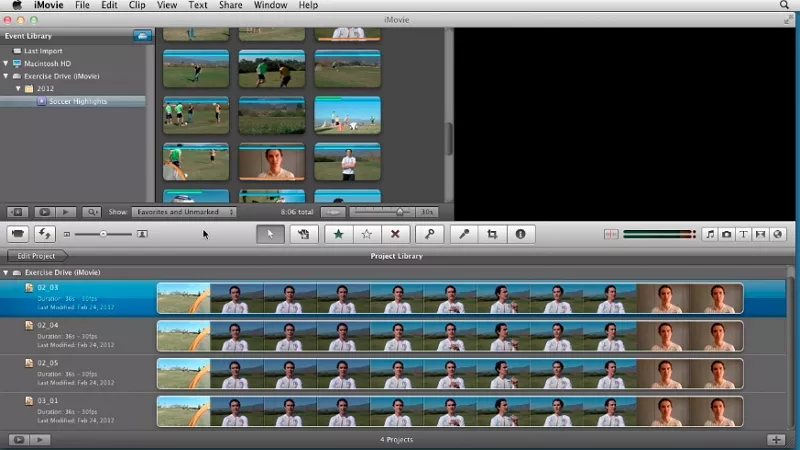
Sports Highlight Video Maker - iMovie
6. Adobe Premiere
Adobe Premiere Pro is the industry-leading video editing software for film, TV, and the web. Creative tools, integration with other apps and services, and the power of Adobe Sensei help you craft footage into polished films and videos. We recommend it for professional users and for those who creates sports highlight video for enjoyment.
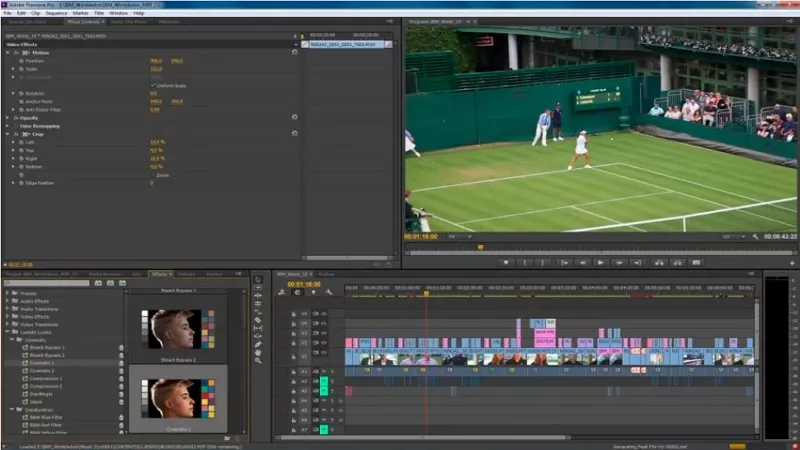
Sports Highlight Video Maker - Adobe Premiere
7. Quik
Quik is a mobile-based app developed to edit GoPro video clips. In seconds, it finds great moments, adds beautiful transitions and effects and syncs everything to the beat of the music. You can also customize the sports video clips with text, music and then share with friends.
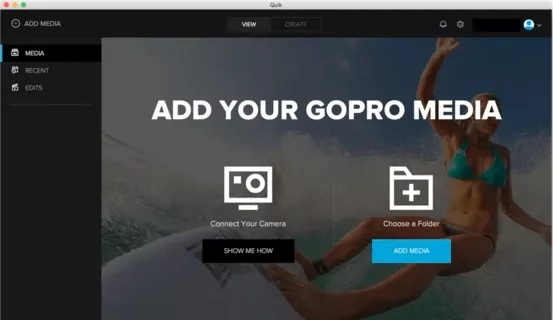
Sports Highlight Video Maker - Quik
Bonus Tip: How to Make Great Sports Video Edits
Tip 1 >> Video Clips Selection
Skip all shaky sports video clips, otherwise the sports highlight video may give people sea-sick feelings.
Tip 2 >> Video Length
The perfect sports highlight video length is 4-5 minutes. A sports video that is either too short or too long may fail to generate exciting feelings.
Tip 3 >> Avoid Too Many Edits
Coaches and other viewers don't care about fancy transitions, effects, so make your cuts neat and simple between the clips.
Tip 4. Identify/Label
A match may involve many people and sometimes people can't find you. Make sure other notice you.
The Bottom Line
Making a sports highlight video is no longer a daunting task with the help of FlexClip. FlexClip is indeed the best free sports video editing software. Besides sports video, it can also help you with other videos, like travel video, holiday video. Go to FlexClip main page and explore more.