Easily Create Appealing Mosaic Videos Online for Free
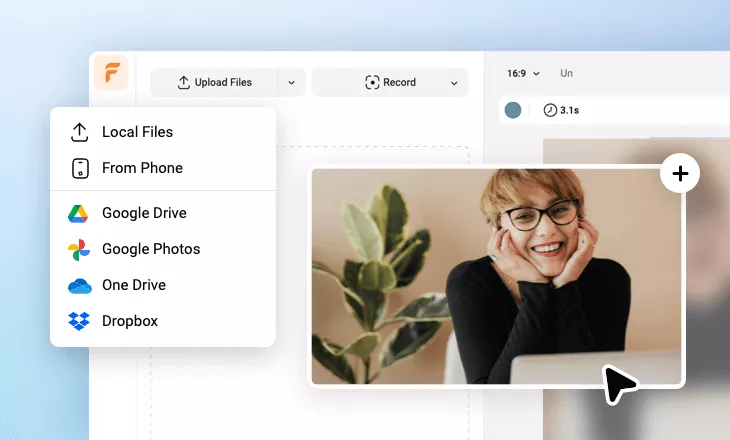
It's easy to blur faces, objects, private messages, and even awkward gestures in photos and videos using the mosaic elements and effects provided by FlexClip's free online mosaic video maker. Upload your images and clips, then insert a mosaic from the elements section. Drag and drop the desired mosaic and modify its opacity, animation, and detail parameters. You can also crop it into shapes like circles, hearts, or any other forms. Additionally, you can enhance your photos or videos by adding music, translating audio, mixing text overlays, and more. Bring your ideas to life immediately with FlexClip's assets and AI tools!
Make a Free Video Handy video editor
 Rich video templates
 Extensive media library
 Dynamic text animations
- Trusted by:






Why You Need to Create a Mosaic Video

Share Moments
Making a video story is a great way to share your important moments with family and friends.

Evoke Emotion
A video can convey strong emotion and resonate well with audiences.

Improve Engagement
People are more likely to engage, share, and comment on video content.
How to Create a Spectacular Mosaic Video in 3 Easy Steps
- 1
Add Media
Add videos or photos from computer or stock libraries to the scene.
- 2
Customize
Add text, music, and voiceover to customize your mosaic video.
- 3
Export
Download your mosaic video in various ratios and definitions or share it online with the world.