Create a FAQ Video Online for Free
Make a FAQ video for your company, business, or products with FlexClip and effectively answer your customers and followers. The free FAQ video maker has a collection of FAQ video examples that are free to edit and customize. All you need to do is choose a video example you like and customize it with your own FAQs. See? Creating a FAQ video has never been easier. Give it a try now.
Make a Free Video Handy video editor
 Rich video templates
 Extensive media library
 Dynamic text animations
- Trusted by:






Why You Need to Make a FAQ Video

Share Moments
Making a video story is a great way to share your important moments with family and friends.

Evoke Emotion
A video can convey strong emotion and resonate well with audiences.

Improve Engagement
People are more likely to engage, share, and comment on video content.
How to Make a FAQ Video in 3 Steps
- 1
Add Media
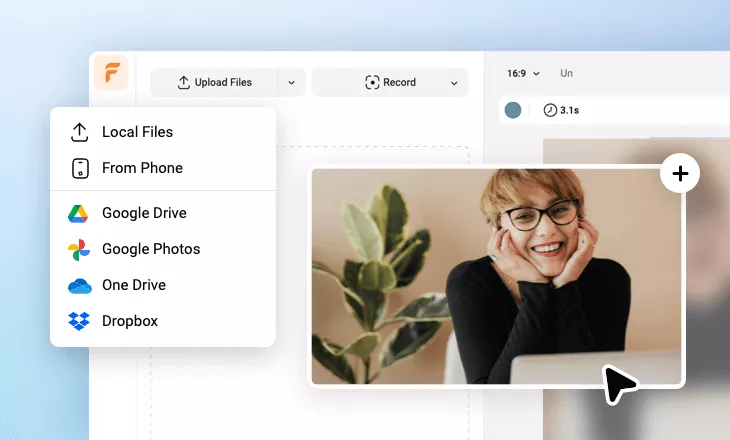
Add videos or photos from computer or stock libraries to the scene.
- 2
Customize
Add text, music, and voiceover to customize your FAQ video.
- 3
Export
Download your FAQ video in various ratios and definitions or share it online with the world.