Free AI Highlight Video Maker
Use FlexClip's free AI highlight video maker to cut, edit, enhance and create engaging video highlights from a long video, footage or movie with perfect frames, speed, accurate captions and music. Easily speed up footage, create time-lasping effects, cut long videos to short video for YouTube shorts, Instagram Reels, TikTok or other video short platforms. Find plenty of free highlight video templates with AI-Recreate feature or AI video generator to generate stunning AI highlight video with your media or prompts speedily. For images, you can try AI image editor, AI image background remover and AI image-to-image converter to give your photo a fresh and creative touch. AI subtitle and AI text-to-speech features will attach synced subtitles and realistic voiceovers for your AI highlight video project. Lastly, explore dynamic texts, highlight intros, motions, graphics, stickers, transitions, overlays, sound designs, countdown timer animations and other elements to customize your AI video highlight. Whether the AI highlight is for sports highlight, wedding highlight or other event highlight, FlexClip's AI highlight generator has got you covered. Try it for free!
Generate AI Highlight Video Handy video editor
 Rich video templates
 Extensive media library
 Dynamic text animations
- Trusted by:






Why You Need to Make an AI Highlight Video

Share Moments
Making a video story is a great way to share your important moments with family and friends.

Evoke Emotion
A video can convey strong emotion and resonate well with audiences.

Improve Engagement
People are more likely to engage, share, and comment on video content.
How to Make an AI Highlight Video in 3 Steps
- 1
Add Media
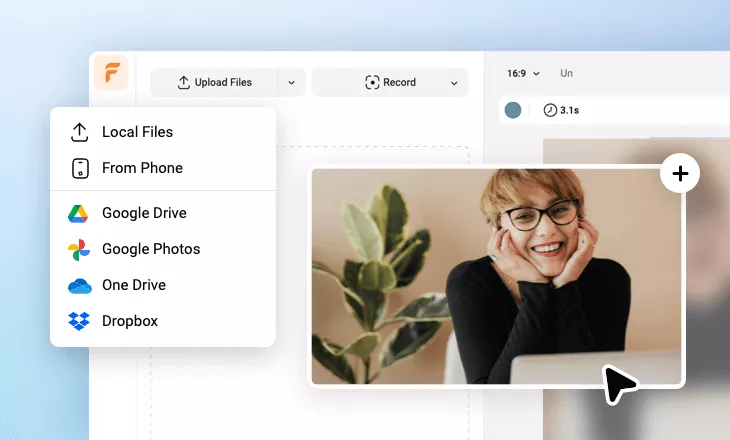
Add videos or photos from computer or stock libraries to the scene.
- 2
Customize
Add text, music, and voiceover to customize your AI highlight video.
- 3
Export
Download your AI highlight video in various ratios and definitions or share it online with the world.